
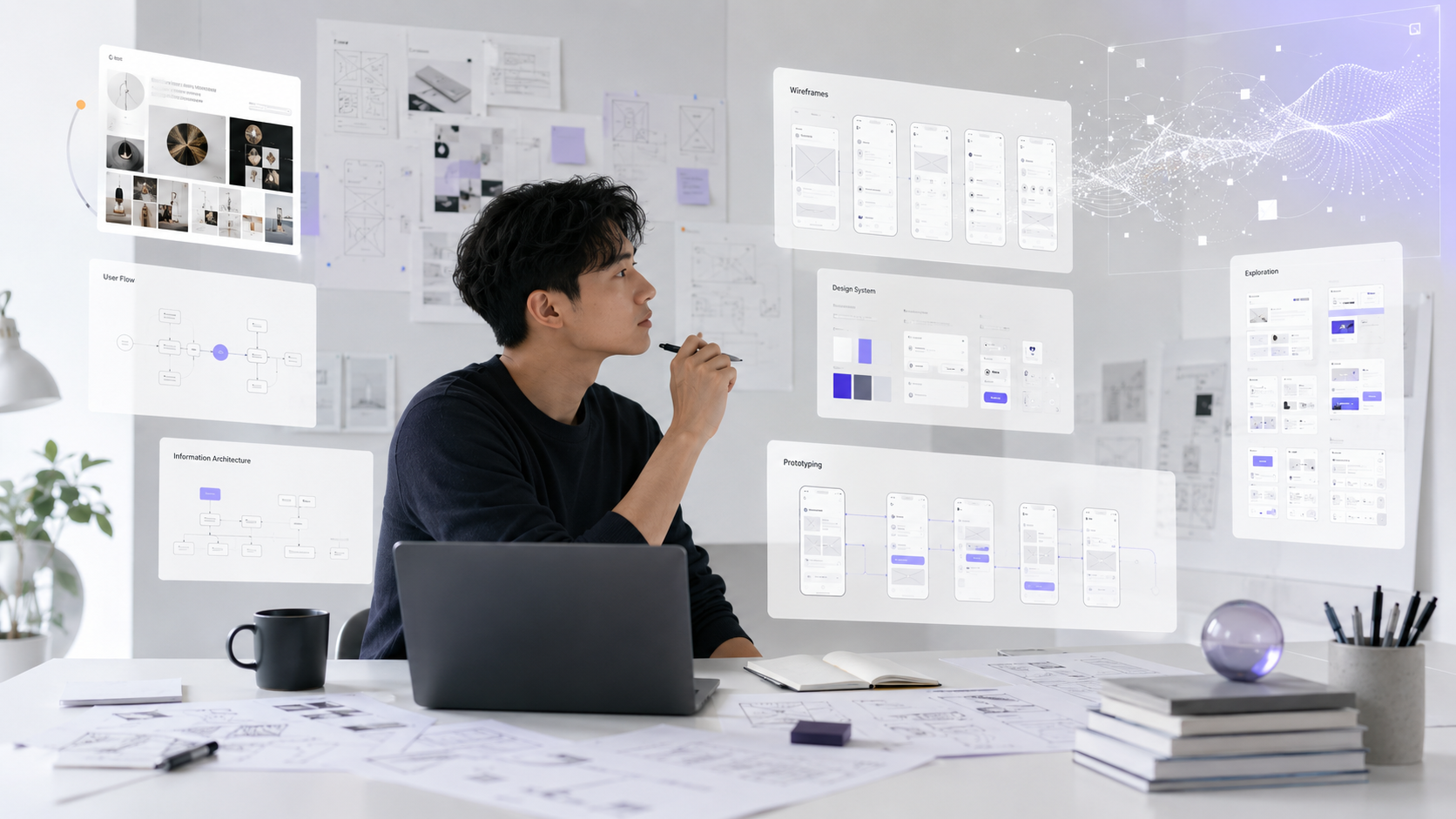
AI is making the process of creating a design solution much faster, but speed is not the biggest change. What’s more notable is that the boundaries between designers, product makers, and developers are gradually blurring. When a designer can articulate intent and then create a logical prototype, the question is no longer "Is AI visually appealing?" but rather "Which decisions will the designer be responsible for?".
From Screen Creator to Problem Definer
In the past, much of a designer's time could be consumed by tasks such as wireframing, creating variants, aligning components, exporting assets, or describing handoffs. AI is taking away a significant portion of this mechanical work. This does not diminish the role of design; on the contrary, it forces designers to spend more time accurately defining the problem, constraints, and evaluation criteria.
A screen generated in a few minutes can still misinterpret the problem. If the business goals, user behaviors, or edge states are unclear, AI merely helps us move faster in a direction that may not be correct.

Design and Development are Converging
Figma noted in its 2026 AI report that the number of designers involved in development has significantly increased, while developers are also participating more in design. This is a sign that the intermediate artifacts are decreasing: prototypes are increasingly functional, while code can now often start from design intent.
This opens up a new capability: designers can test flows with working products instead of just static frames. However, as prototypes approach production, designers also need to understand more about data, state, responsiveness, performance, and technical limitations.

AI is Good at Generating Options, Humans Must Be Good at Choosing
AI can generate many visual directions, layout structures, and content variations at a low cost. The problem shifts from "not enough ideas" to "too many choices." At that point, taste, the ability to eliminate options, and the capacity to explain why one direction is better become advantages.
Designers need to establish criteria before asking AI to generate output: What is the main goal? What should users see first? Which actions should have the least friction? What error states carry high risk? And what should not be automated?
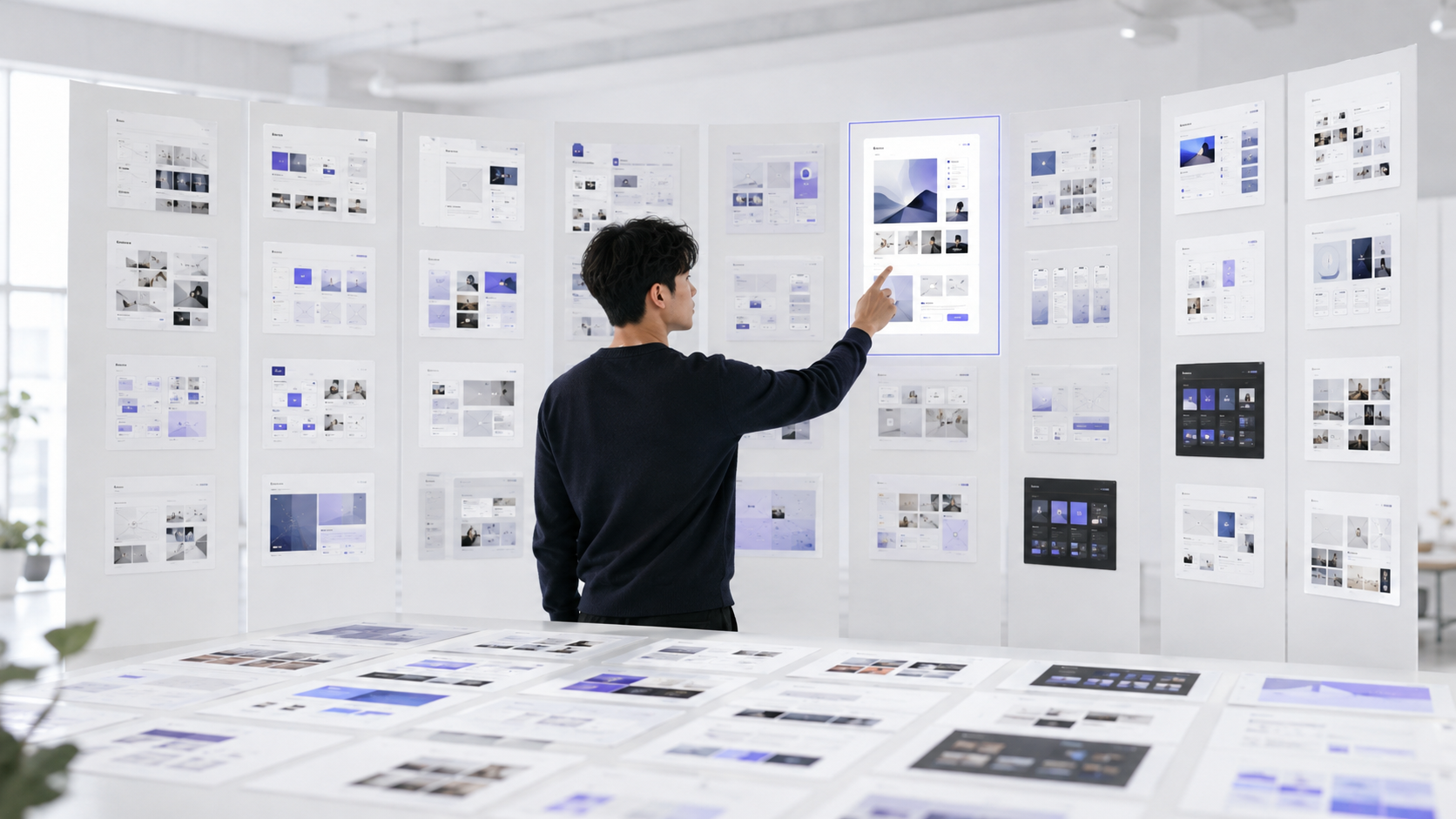
Key Point: Do not evaluate a trend or a tool solely by its best output. Evaluate it by its impact on flow, control, consistency, and operational capability in real conditions.
Tasks AI Should Handle More
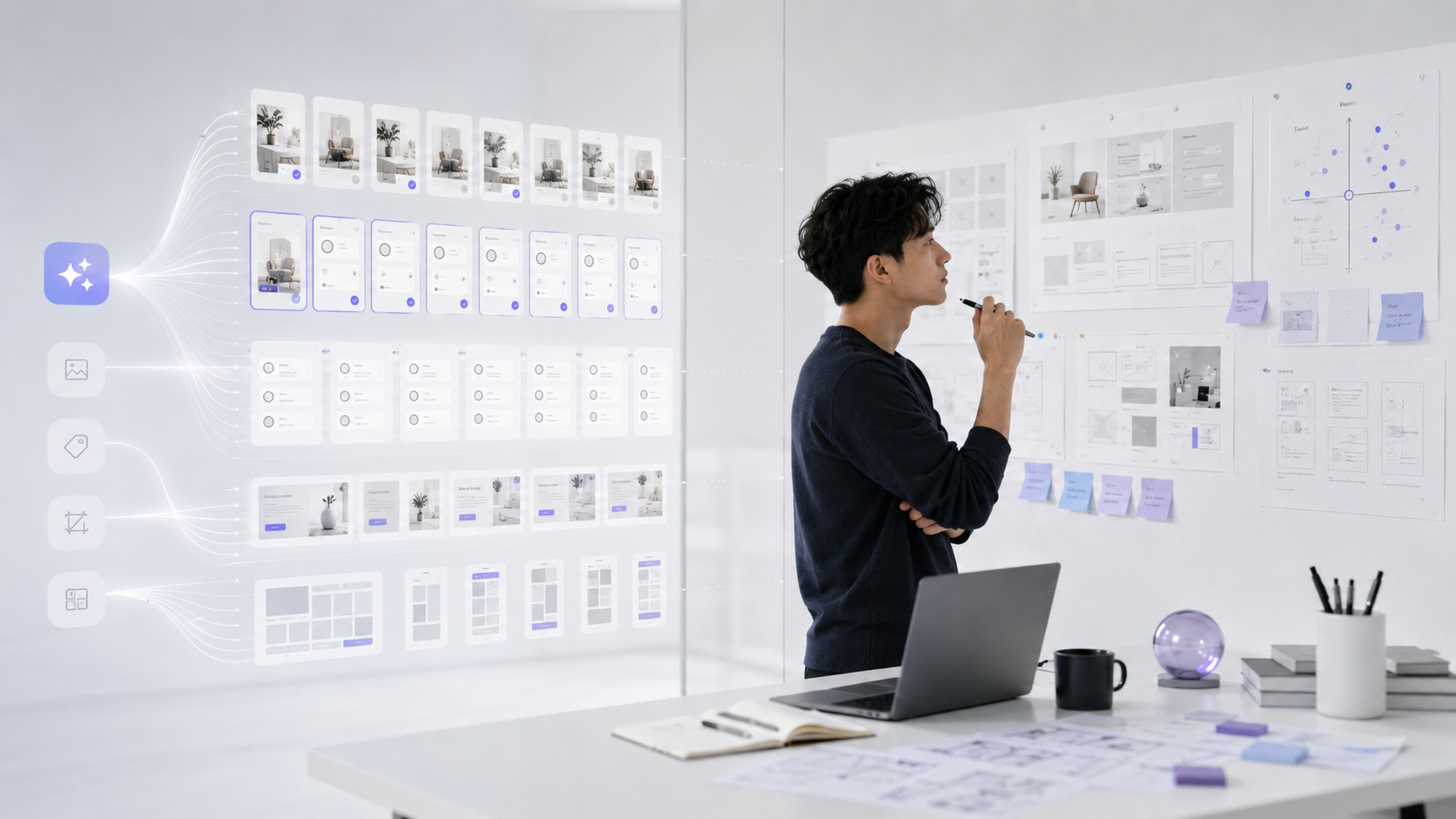
AI is well-suited for tasks with clear patterns: generating copy variants, suggesting structures, synthesizing research, creating dummy data to test layouts, building initial prototypes, or checking UI states that are often overlooked.
The important point is to use AI to expand the exploration area rather than as an approval mechanism. AI output should be raw material for review, not a conclusion.
Skills Becoming More Important
Product thinking, UX judgment, visual taste, the ability to set constraints, understanding user behavior, and the ability to review systems will become increasingly valuable. When everyone can create a decent-looking interface, the difference lies in whether the product is logical, consistent, and trustworthy.
Designers also need to learn how to articulate intent more clearly. A good prompt is not flowery language; it is a brief with goals, context, constraints, priorities, and acceptance criteria.
A More Practical Workflow for Designers in the Age of AI
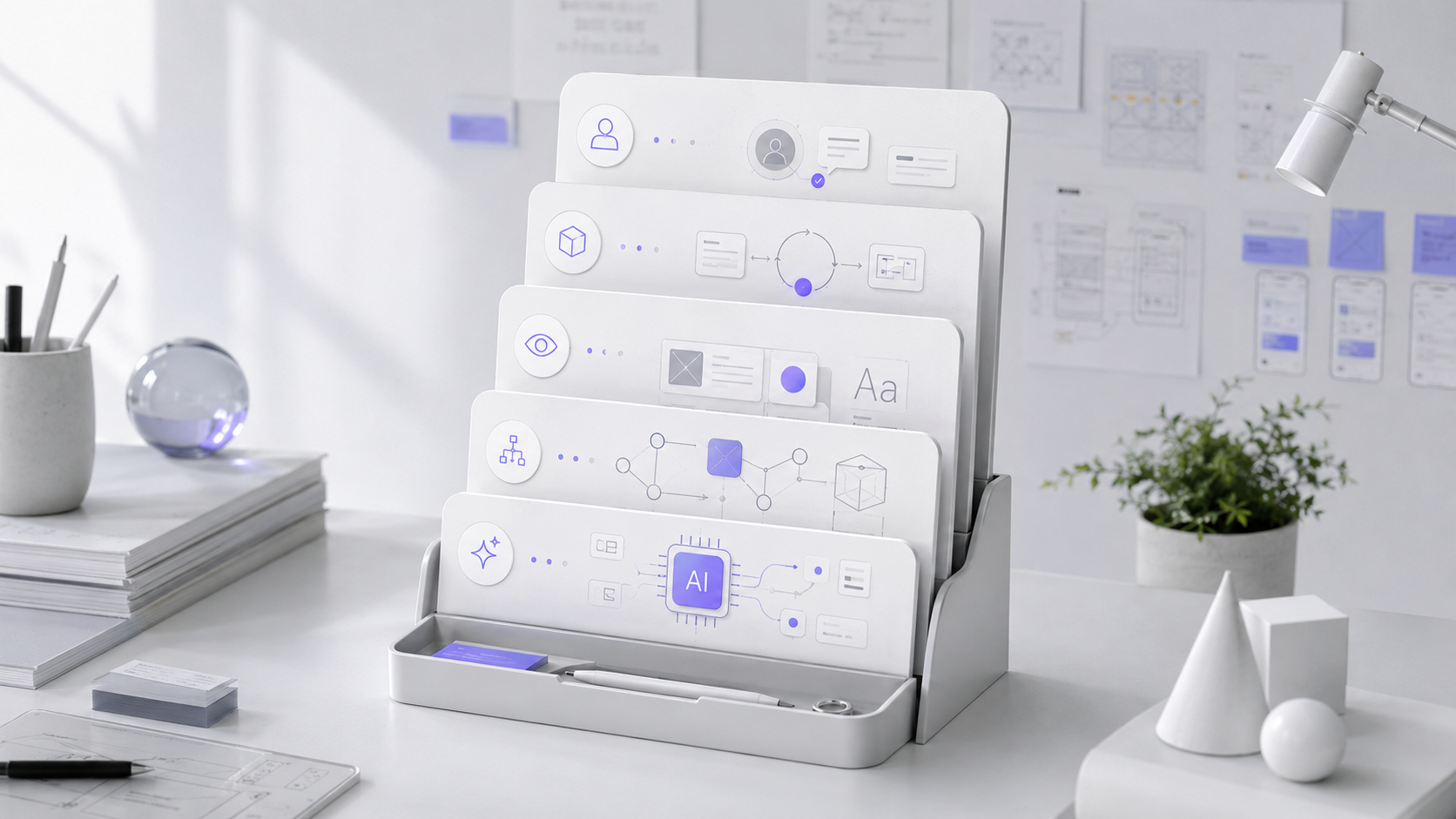
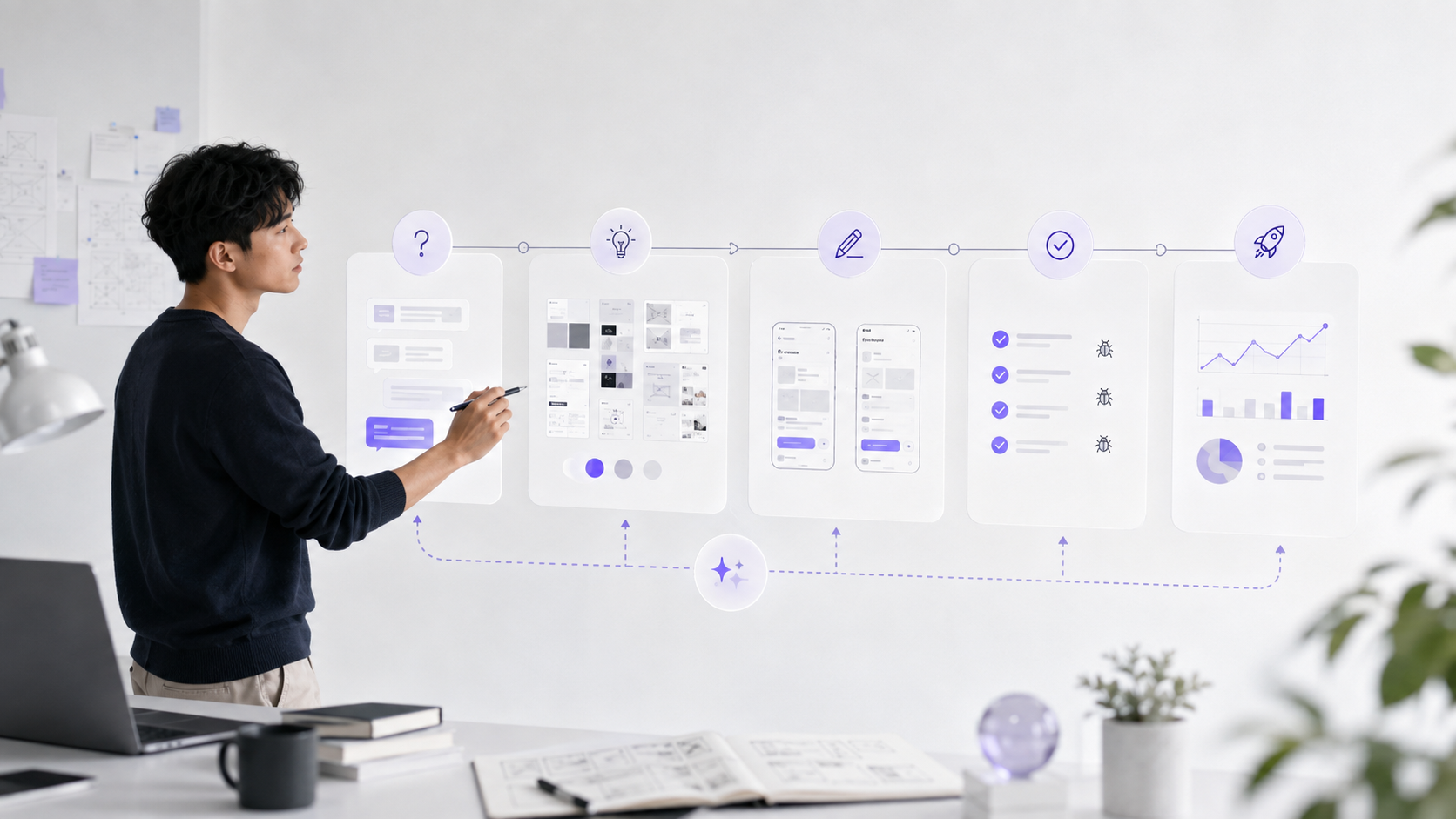
Instead of starting with drawing right away, one could follow a sequence: define the problem → lock user flow → set constraints → use AI to generate multiple options → select and refine → create a working prototype → test edge cases → check the visual system → review with real data.
AI shortens the loop, but the final decision-making authority still needs to rest with the person responsible for the experience.
Conclusion
AI can make designers faster, but the long-term value does not lie in the speed of screen creation. The value lies in the ability to accurately identify problems, create criteria, choose options, control risks, and maintain a consistent experience as products become complex.


0 Comments
Be the first to leave a comment on this post.