
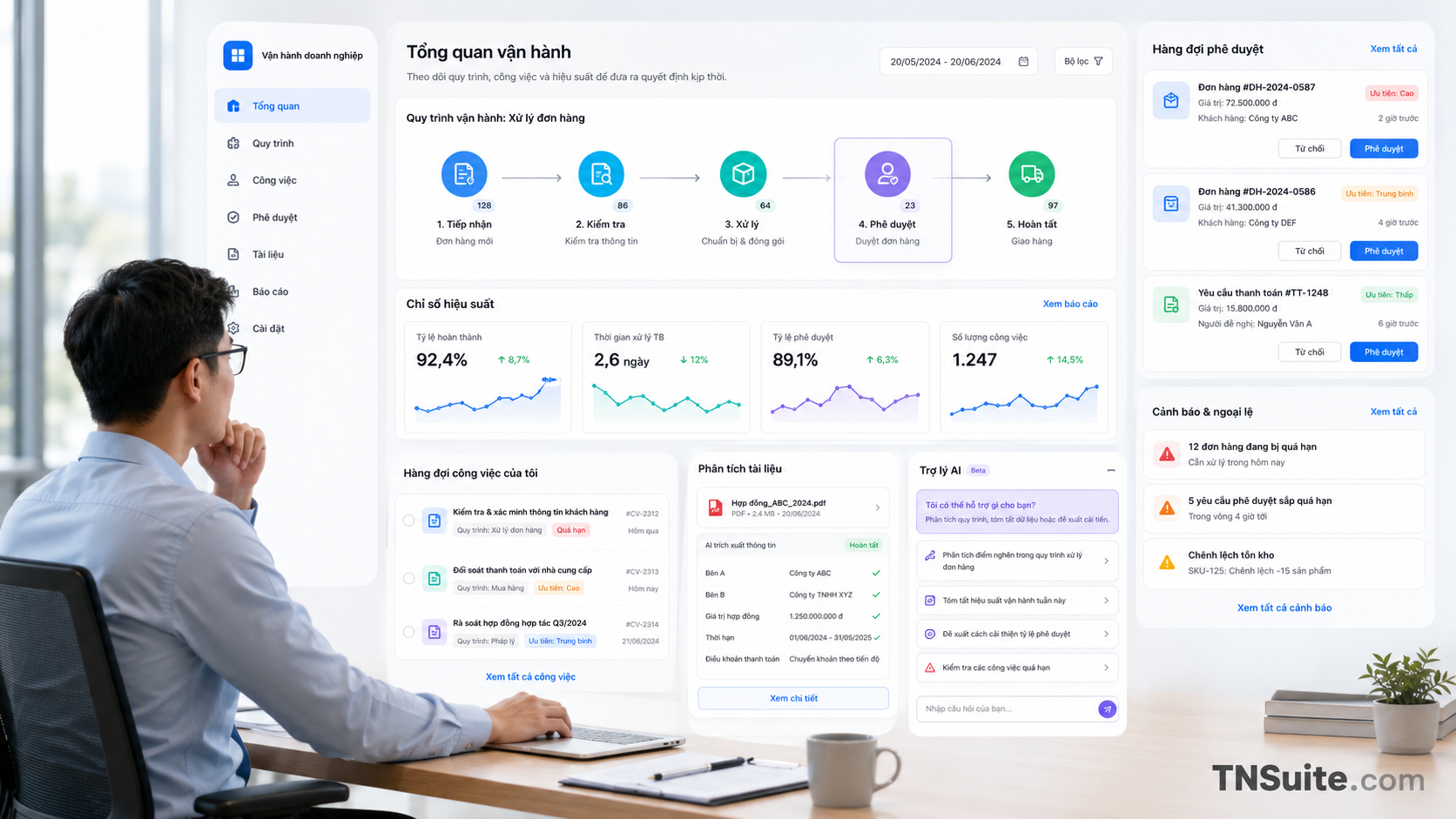
Portal news
AI application in business operations
AI is becoming a practical tool that helps businesses save time, reduce errors, and improve decision-making speed in daily operations.
As AI becomes a popular topic, many businesses start with the question: which tools to use, which models to choose, or whether to build a custom AI Agent. This is not the most important question.
A more appropriate starting point is to identify which tasks are consuming the most time, which data is fragmented, which decisions are frequently delayed, and which steps can be supported without increasing operational risk.
1. What is the application of AI in business operations?
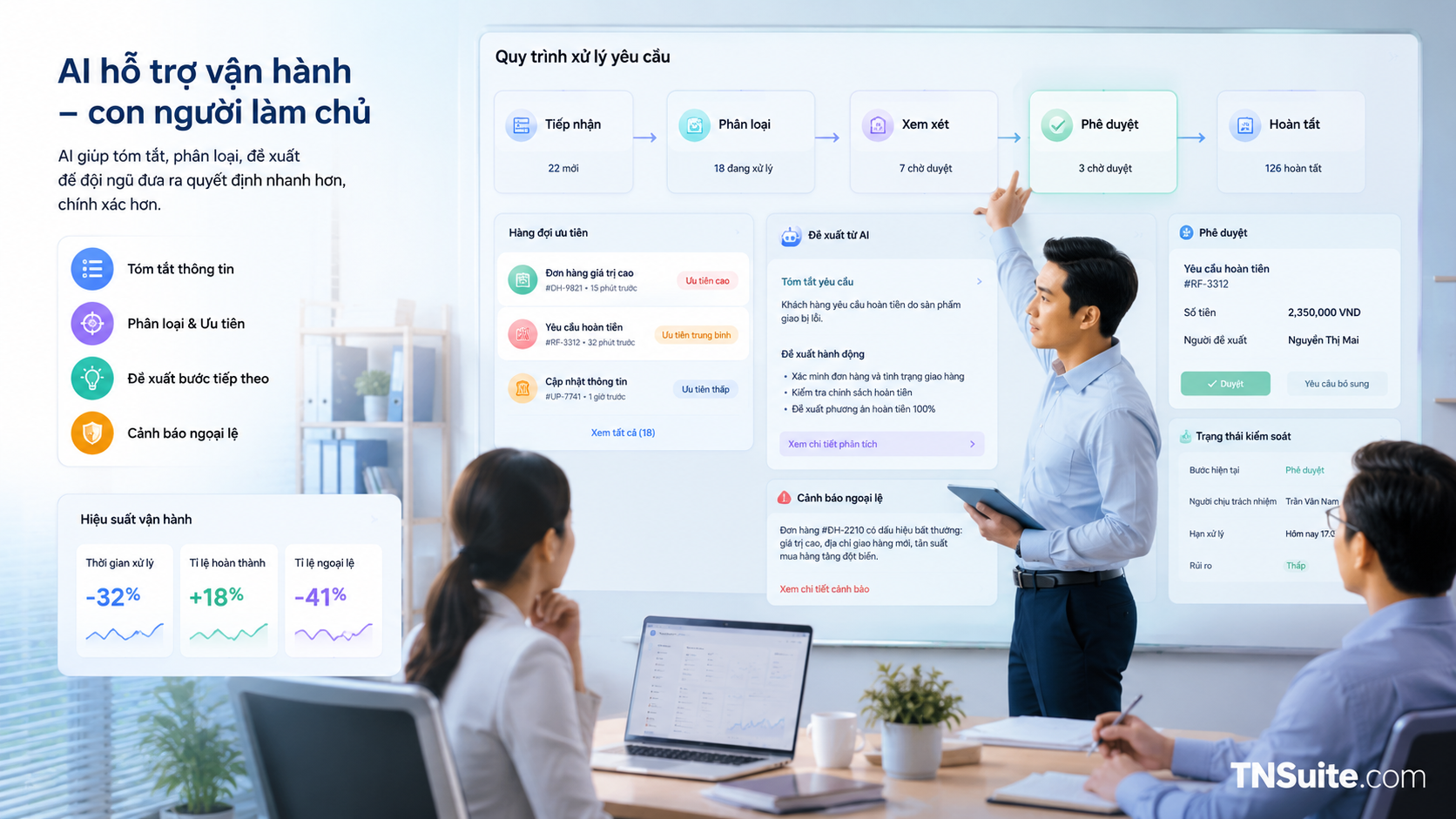
AI in operations is not just a chatbot answering questions. It can participate in many layers of work such as reading documents, classifying requests, extracting data, detecting exceptions, suggesting actions, preparing reports, or assisting in executing a multi-step workflow.
Depending on the level of authority, AI can only provide information, create suggestions, or perform actions through authorized tools. The closer it gets to actual actions, the more businesses need clear permissions, validations, approvals, and audit logs.
Reading and Summarizing
Summarizing documents, compiling reports, finding information, and preparing content for the responsible person.
Classifying and Prioritizing
Classifying emails, tickets, orders, internal requests, or detecting cases that need early handling.
Decision Proposals
Proposing options, next steps, or priority levels based on data and operational rules.
Controlled Execution
Creating tasks, updating statuses, preparing responses, or calling tools after meeting approval conditions.
2. Start from the business problem, not from technology
A good use case must address a specific operational issue. For example: processing requests takes too long, the team has to enter repetitive data, reports are delayed, content needs to be revised multiple times, or information is scattered across multiple systems.
Before choosing AI, businesses should articulate the problem in measurable terms. Instead of saying “we need to apply AI for marketing,” specify “we need to reduce the time to compile campaign reports from four hours to one hour while maintaining the ability to verify sources.”
A good AI problem must have clear inputs, clear outputs, clear accountability, and clear evaluation criteria.
3. Which processes are suitable for AI implementation first?
Not every process is suitable for AI. A good starting point is often tasks that are high-frequency, time-consuming, have sufficiently stable data, and where the consequences of errors are not too significant.
Tasks that occur daily or weekly and take up a lot of the team's time.
Inputs, outputs, and key steps can be described using a workflow or checklist.
Information with a clear source, relatively consistent format, and can be verified when needed.
If AI produces unsatisfactory results, users can edit, cancel, or switch to manual processing.

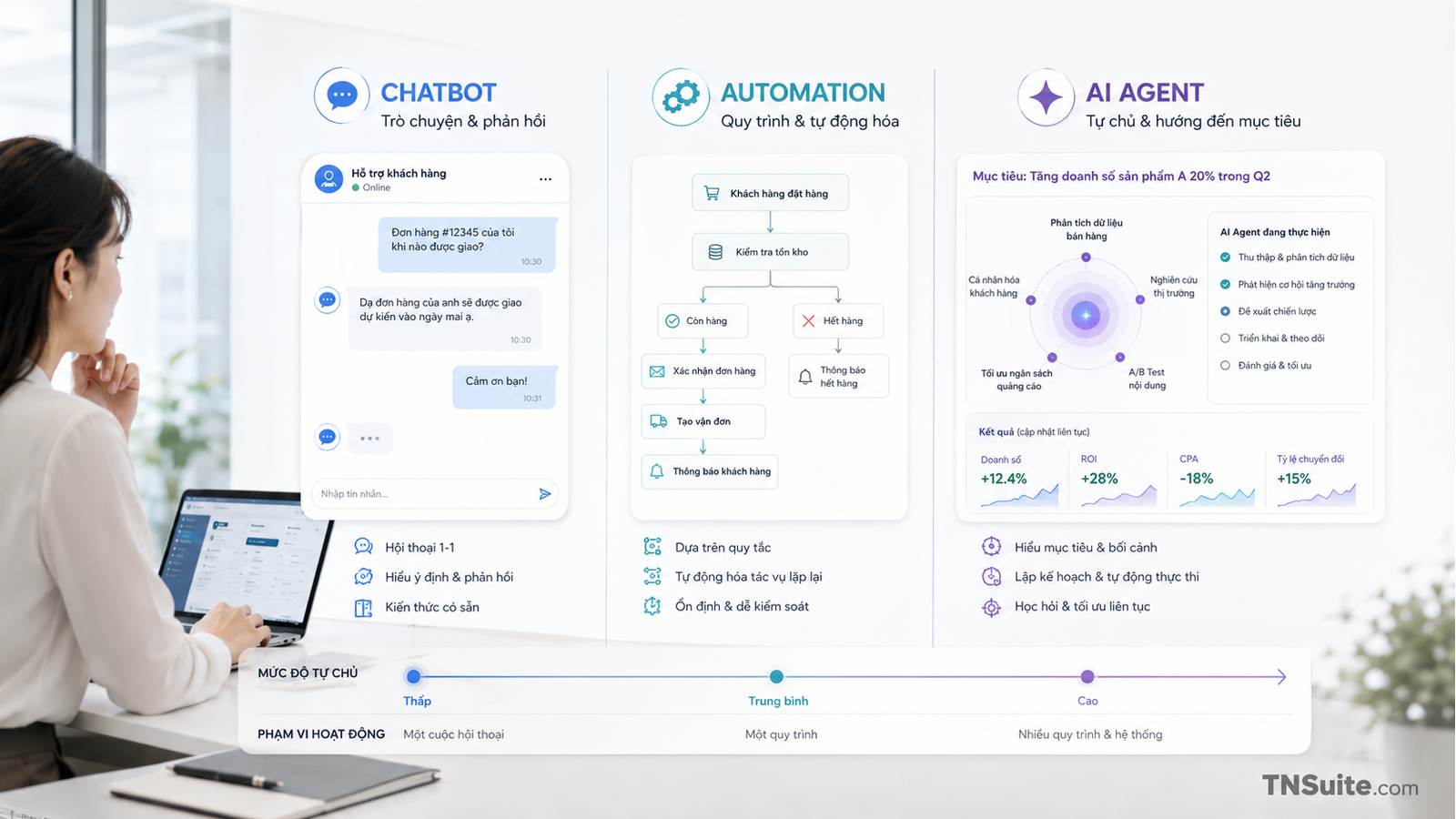
4. Four levels of AI application in operations
Businesses do not need to immediately transition from manual processes to full automation. A safer approach is to gradually increase the level of AI authority as data, accuracy, and monitoring capabilities have been validated.
Information Support
AI reads, summarizes, searches, or prepares content for human use.
Action Recommendations
AI analyzes data and suggests the next steps but does not execute them autonomously.
Execution with Approval
AI prepares or executes tasks after confirmation from an authorized person.
Autonomy within Scope
AI autonomously handles cases within established policies, limits, and conditions.
5. Real AI use cases in businesses
Document and Knowledge Management
- Find information in internal documents.
- Summarize reports or meeting minutes.
- Extract data from files and forms.
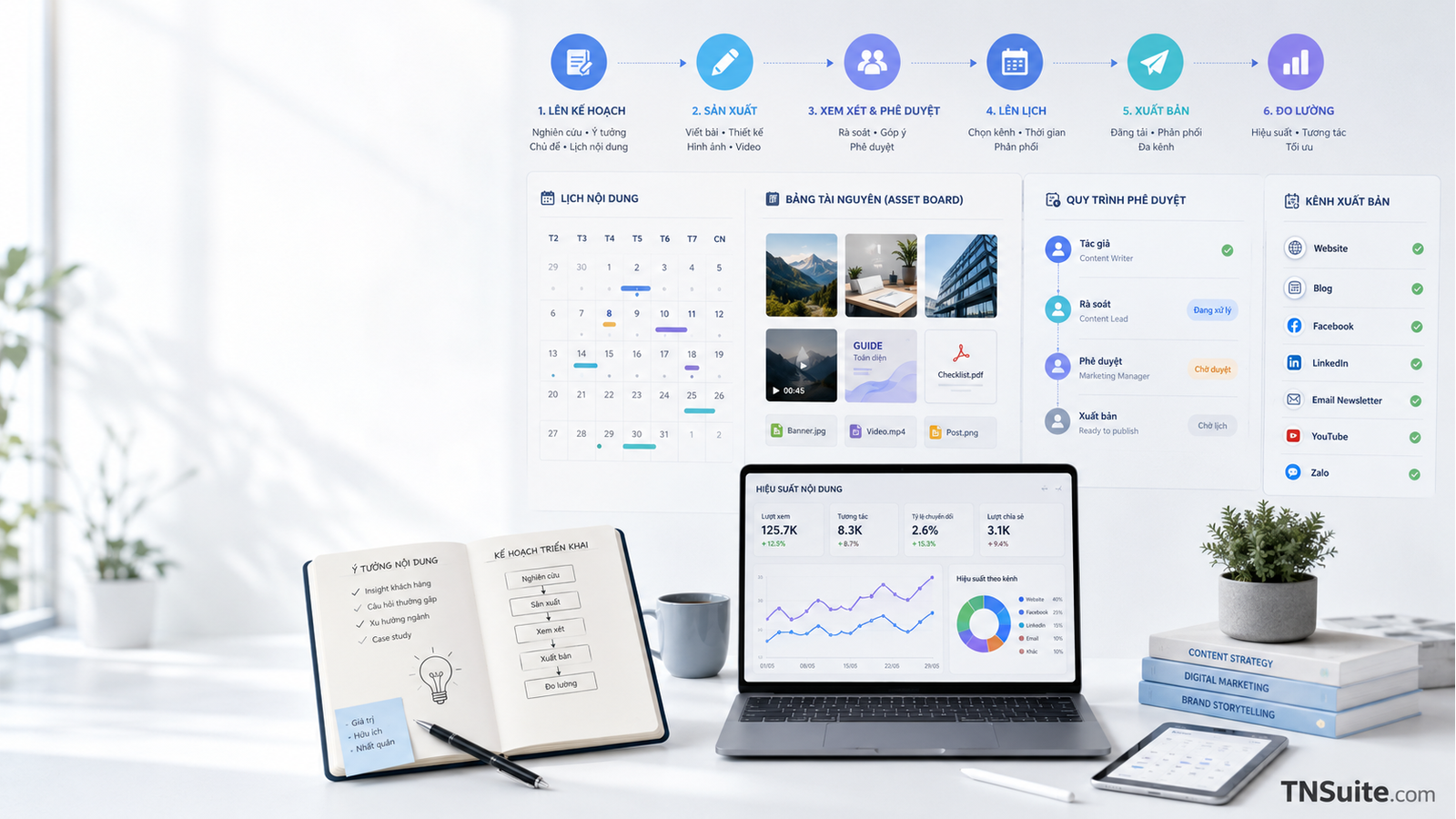
Marketing Operations
- Create briefs and content versions by channel.
- Check for missing fields or incorrect standards.
- Aggregate campaign results.
E-commerce and Commerce Operations
- Classify products and standardize descriptions.
- Detect unusual orders or data.
- Prepare inventory and performance reports.
Customer Care
- Classify requests and determine priority levels.
- Prepare responses based on policies.
- Transfer complex cases to staff.
Finance and Administration
- Extract information from documents.
- Cross-check data and detect discrepancies.
- Prepare periodic reports.
Product and operations
- Compile user feedback.
- Group bugs and suggest priority levels.
- Prepare operational documents and checklists.
6. How to Choose the First AI Pilot Project
The pilot project should not be the largest or most complex process. The goal of the pilot is to create tangible evidence, helping the team learn how to prepare data, control output, and handle exceptions.
| Criteria | High Priority | Needs Caution |
|---|---|---|
| Frequency | Occurs frequently | Rarely occurs |
| Data | Has clear source and format | Fragmented or lacks control |
| Risk | Low, easily detected and fixed | High financial or legal impact |
| Measurability | Has baseline and KPI | Unable to determine expected outcomes |
| Fallback | Can revert to manual processing | No recovery plan available |
7. Management of Permissions and Risks
AI in enterprises should be viewed as an actor with limited permissions. The system must know which data the AI can read, which tools it can call, which actions require approval, and which information must be logged in the audit trail.
Only grant the necessary data and tools for the use case.
Important actions must be confirmed by an authorized person.
Check data, conditions, and limits before executing the task.
Log the data source, proposals, actions, approvers, and results.
8. How to measure effectiveness?
Businesses need to measure the baseline before implementation. If they do not know how long the current process takes, how many errors occur, and how many times human intervention is needed, it is very difficult to prove that AI creates real value.
9. 90-Day Roadmap to Get Started
Survey and Standardization
- Create a workflow list.
- Measure baseline.
- Evaluate data and risks.
- Select a narrow pilot.
Controlled Experimentation
- Limit user group.
- Maintain approval and fallback.
- Log output and exceptions.
- Collect real feedback.
Evaluation and Expansion
- Compare with baseline.
- Analyze errors and costs.
- Adjust policy and workflow.
- Decide to expand or halt.

Pre-deployment Checklist
Frequently Asked Questions
Should small businesses adopt AI?
Yes, but it is advisable to start with a small process that has clear value, rather than immediately investing in a comprehensive AI system.
Should AI be used for unstandardized processes?
No, you should not automate the current state. First, eliminate unnecessary steps, identify the owner, standardize data, and define completion conditions.
Does an AI Agent need to automatically perform all tasks?
No. An AI Agent should only operate within the defined scope of authority. High-risk actions require validation and approval.
When can you scale from a pilot?
When the results have been compared to the baseline, the error rate is within limits, users accept the new workflow, and the business can monitor operations.
Start with a small but measurable process
Choose a time-consuming workflow, establish a baseline, limit the scope, and experiment under human supervision. This is the most practical way to turn AI from a technology trend into operational capability.
Learn more about AI and operationsKeywords


Discussion
Your thoughts
There are no comments yet. Be the first to share your thoughts on this article.