Thiết kế
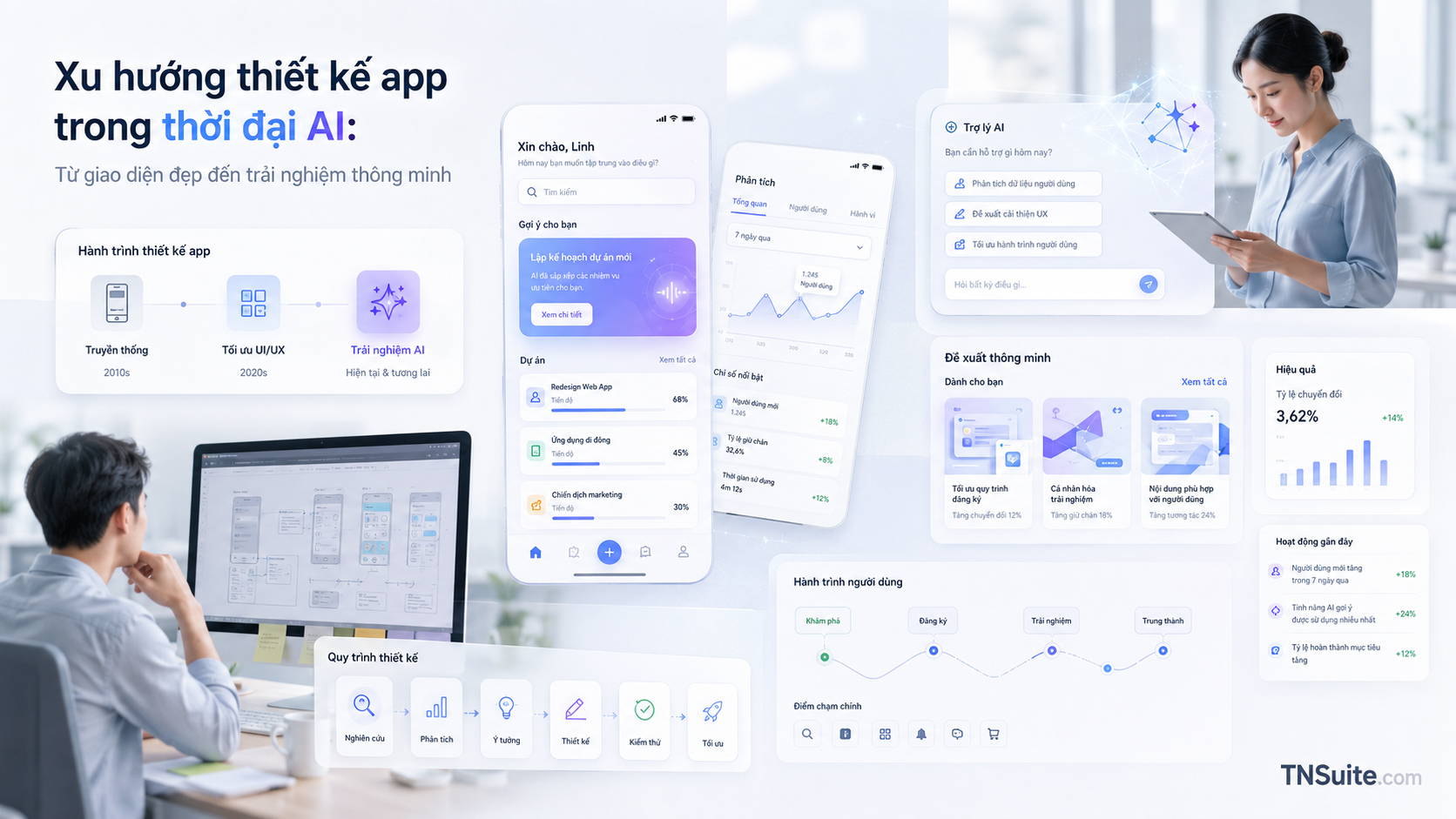
Xu hướng thiết kế app trong thời đại AI: Từ giao diện đẹp đến trải nghiệm thông minh
AI đang thay đổi cách ứng dụng được thiết kế, từ bố cục tĩnh sang trải nghiệm thích ứng theo ngữ cảnh, hỗ trợ đa phương thức và có khả năng thực hiện tác vụ. Cùng tìm hiểu những xu hướng UI/UX nổi bật trong giai đoạn 2025–2026 và cách ứng dụng chúng mà không đánh đổi tính rõ ràng, khả dụng và niềm tin của người dùng.
AI is shifting application design from static screens toward experiences that understand context, support decisions, and carry out tasks. This article examines AI-first UX, Agent UX, Multimodal UX, Trust UI, accessibility, and design systems.
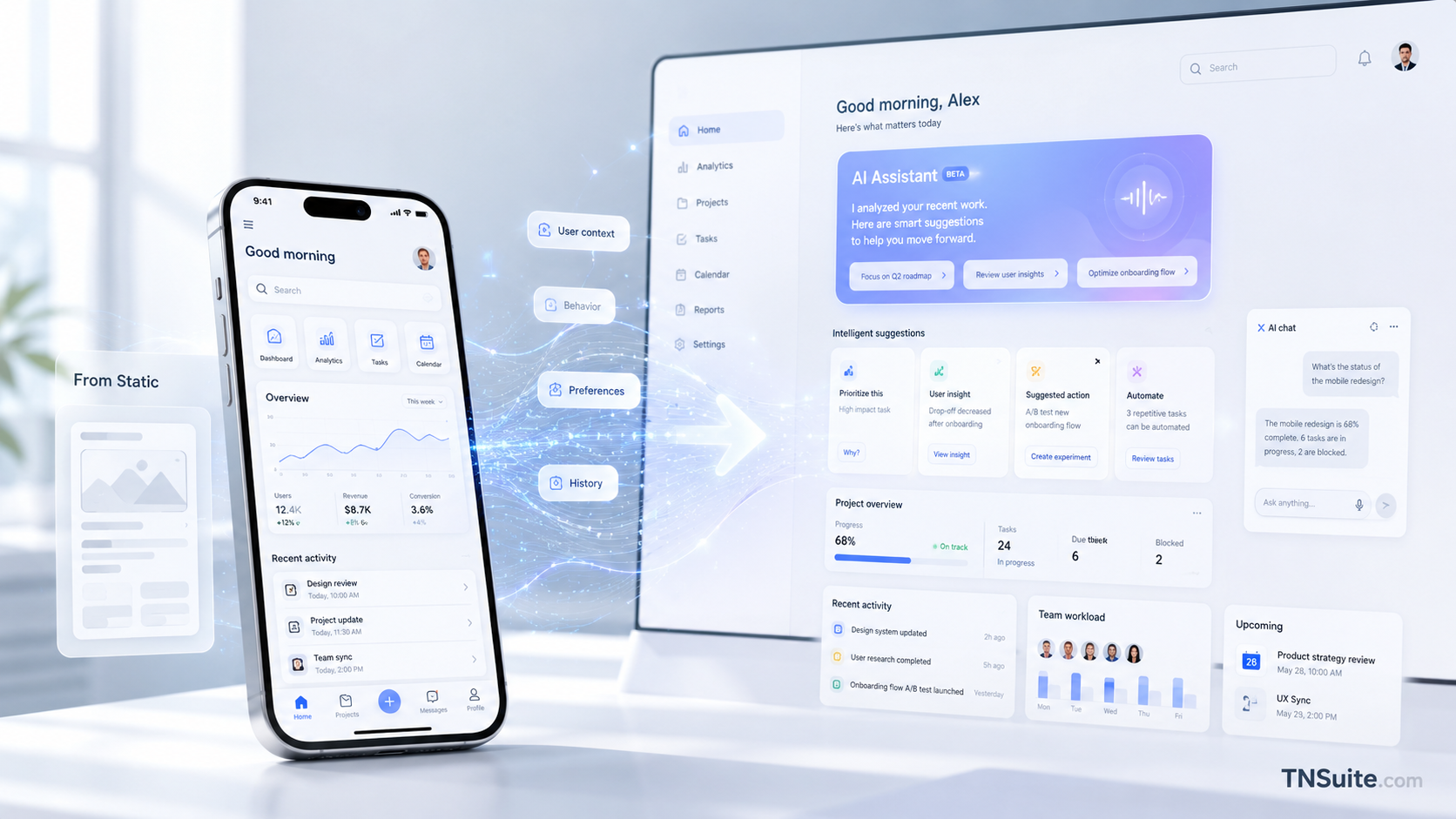
AI-first UX: Start with the goal
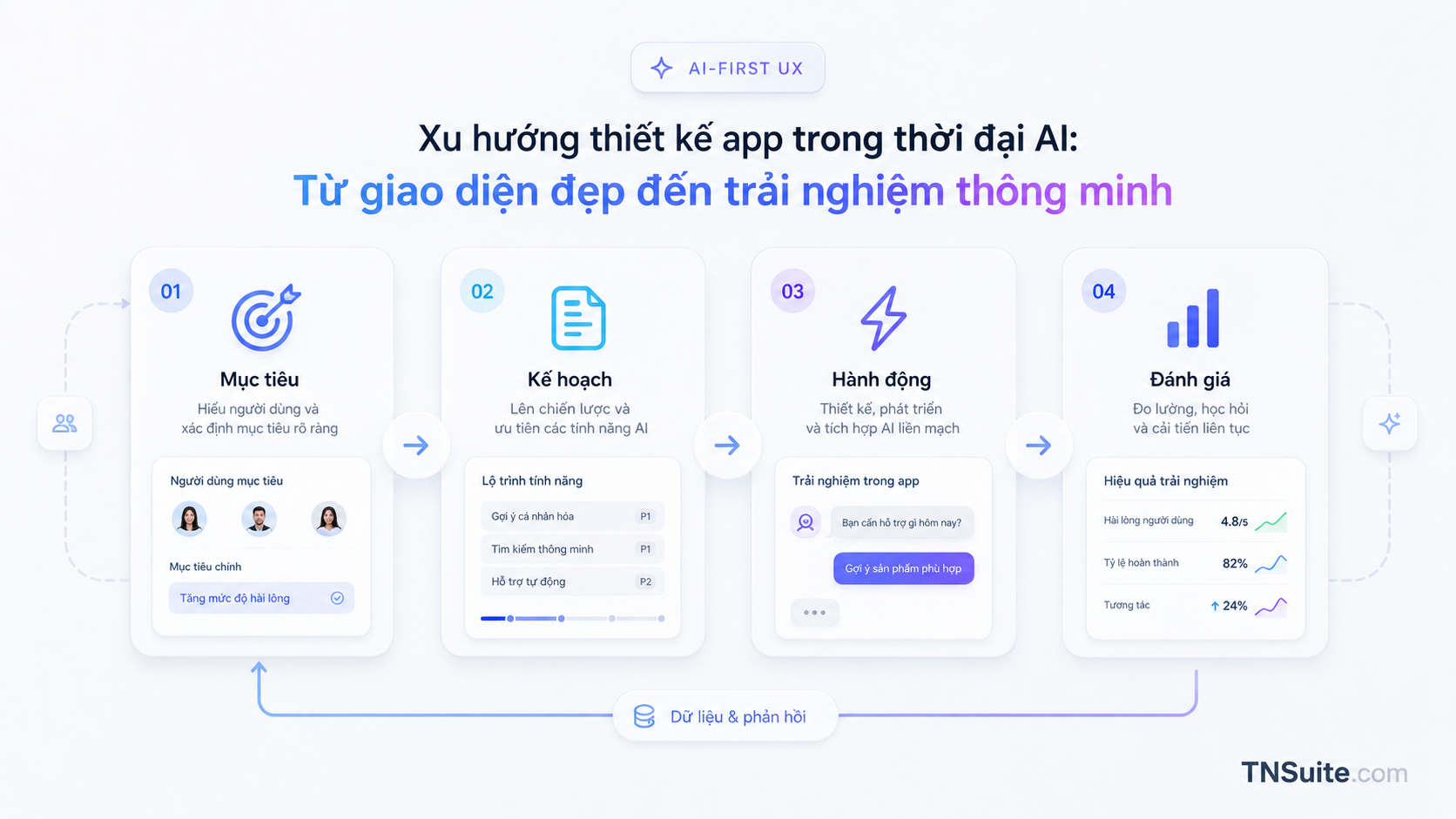
Let users begin with the outcome they want instead of forcing them to remember the menu structure. The system should present its plan, the data it will use, confirmation points, and options to edit or undo actions.
- Capture intent through multiple input modes
- Provide context-aware suggestions
- Show meaningful progress
- Confirm important actions
Agent UX: From answering to acting
An agent can use authorized tools and data to complete multi-step work. The interface must make permissions, tools, approvals, and supporting evidence visible.
- Execution plan
- Tools and permissions
- Approval checkpoint
- Evidence and audit trail
Adaptive interfaces without unpredictability
AI may prioritize modules and actions based on a user’s role, but core navigation and controls must remain stable and predictable.
- Keep navigation stable
- Use bounded personalization
- Allow users to restore defaults
Multimodal UX and Generative UI
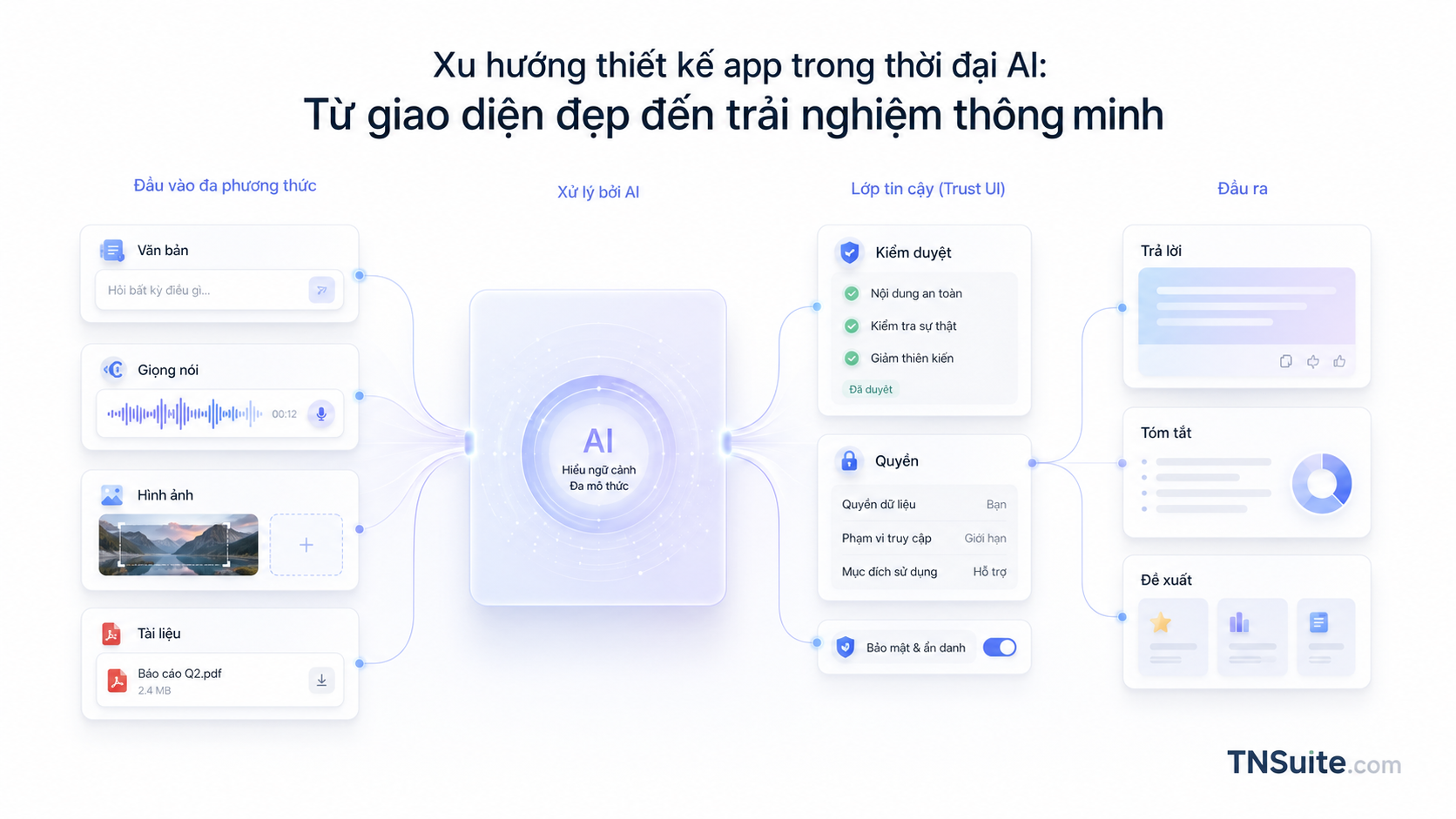
Images, cameras, voice, and documents can all become inputs. Dynamically generated interfaces must still comply with the design system, accessibility requirements, and permission rules.
- Show the active input sources
- Allow data to be replaced
- Do not generate controls outside the approved system
Trust UI and accessibility
AI results need sources, stated limitations, visible permissions, retry and undo actions, and status communication that works with keyboards and screen readers.
- Source and last-updated information
- Clear permission disclosure
- Reduce Motion support
- Do not rely on color alone
Avoid an overly “AI-looking” interface
Preset gradients, glass effects, and sparkle icons cannot replace a mood, tone, typography system, and art direction that genuinely fit the product.
- Start with the business goal
- Define the mood and tone
- Use effects with a clear purpose

Practical checklist
Frequently asked questions
Does every AI application need a chatbot?
No. Structured tasks are often better served by forms, dashboards, and visual workflows.
Can Generative UI replace a design system?
No. The more flexible the interface becomes, the more it needs strict and consistent design rules.
Should glass effects be used throughout the interface?
No. Long-form content, tables, and forms need stable, highly readable surfaces.
Conclusion
A modern application must do more than look attractive; it must understand context correctly, act within controlled boundaries, and clearly explain what is happening.
Start with a small, clearly owned scope, explicit completion criteria, and measurable outcomes. This approach turns knowledge into an operational change that can be verified.
Next practical step
Review one existing screen: what task is the AI actually solving, and does the user still have enough control?
Explore more expert articlesKeywords